

Guides
How to Turn Research Links Into References You Can Actually Use
A practical workflow for capturing research links, preserving context, and turning saved sources into references you can find and use.
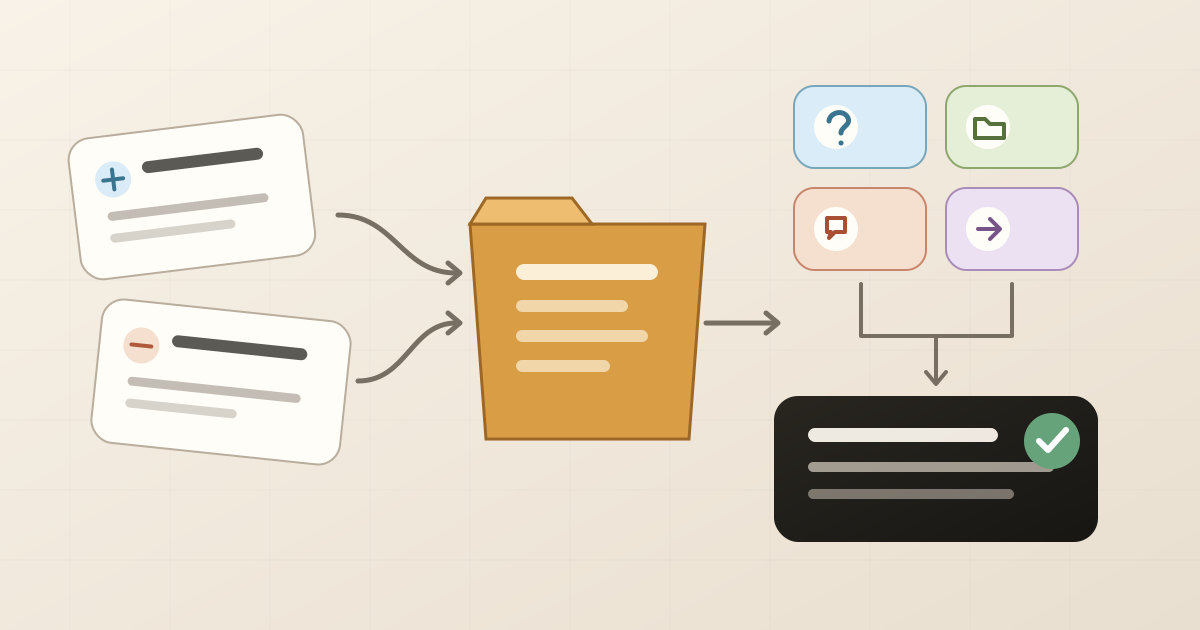
A research link becomes a useful reference when you can answer four questions without reopening the page: why did I save it, which project is it for, what idea matters, and what will I do with it next? The URL remains the source; those four details preserve the decision that made you keep it.
You do not need to fill out a long form in the middle of a search session. Capture the link in an inbox, then add context during a short triage pass. The goal is not a perfect taxonomy. It is to find a source again, understand why it matters, and use it in real work.
Scope of this guide: This is an editorial method for everyday web research, based on the sources and tests described below and checked on July 22, 2026. It does not replace your institution's rules, current product documentation, or a bibliographic reference manager when formal citations are required. Always verify the original source, author, date, and requirements that apply to your work.
A bookmark answers “where”; a reference also answers “why”
Saving a page solves part of the problem: it keeps a route back. The automatic title might say Import Chrome bookmarks and settings, but it does not record whether you kept that page to compare file formats, substantiate a limitation, or write a step in your own guide.
Without that context, the link becomes a private search result. You still have to open it, remember the project, and rediscover the useful passage.
A working reference does not have to be academic. It may be technical documentation, a UI example, a report, a discussion that revealed audience language, or a page that challenged your hypothesis. What changes its value is a recorded decision.
Use a four-field reference card
This card fits in a short note:
| Field | Question | Example |
|---|---|---|
| Reason | Why did I save this? | Confirm the format Firefox uses to transfer bookmarks |
| Project | What work is it for? | Brief about browser portability |
| Useful idea | Which point deserves another look? | HTML transfers bookmarks; a JSON backup serves a different purpose |
| Next use | What will I do with it? | Cite it in the section that separates transfer from restore |
Avoid notes such as “important,” “read later,” or “good reference.” They express intent but preserve too little information for the next decision.
A better note would be: “Official Firefox source. Use it to explain that HTML export transfers bookmarks, while restoring JSON can replace the current set. Recheck before publication.”
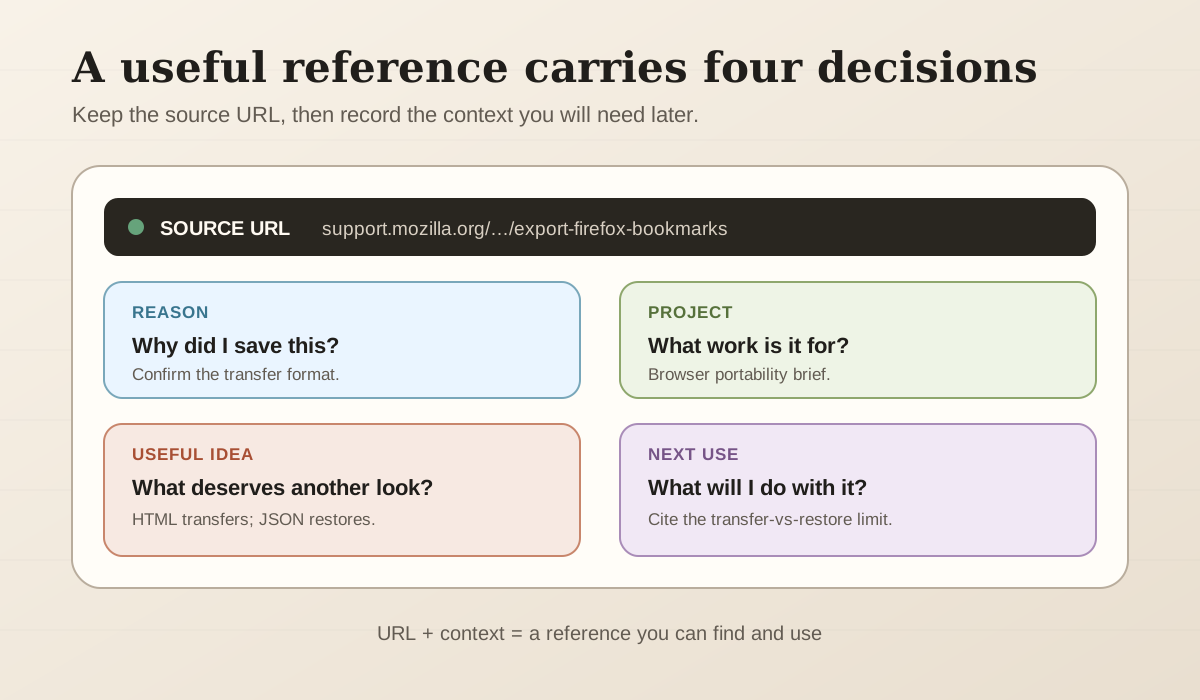
The example turns the Firefox source used later in this article into a working reference. The four fields preserve the editorial decision; they do not replace the original source or its citation details.
Capture first; organize when the search has room to breathe
Stopping to choose a folder, tag, color, and priority for every page breaks the line of inquiry. A lighter approach is to use an inbox:
- Save the original page, not only the search result that led to it.
- Write one sentence immediately only when the context may disappear—for example, “contradicts source A about the format.”
- Continue researching.
- Triage when the session ends or the inbox reaches a small limit.
During triage, choose a destination according to the next use:
- Read: You have not assessed the source and genuinely plan to return.
- Reference: You identified the useful point and completed the four-field card.
- Active project: The source supports work currently in progress.
- Archive: The link may matter as history but needs no attention now.
- Discard: It is duplicated, shallow, outdated, or changes no decision.
This distinction keeps every source you encounter from becoming a reading assignment. If the queue is already overloaded, the guide to saved articles you never read offers a separate process for reducing it.
We tested the method with 12 sources from a real project
To see whether the reference card helped with concrete research, we used it while preparing a brief about moving bookmarks between browsers. The question was: Which current paths transfer links, and which limitations must be disclosed to the reader?
The set contained 12 sources: three from Chrome, three from Firefox, three from Edge, two from Safari, and one verification of the current Nodus Vault importer. We favored documentation from the product owners and recorded the review date. We did not test every operating-system and account combination, so this is a demonstration of the method, not a universal browser benchmark.
| Role in the brief | Sources reviewed | Recorded decision |
|---|---|---|
| 5 core references | Chrome HTML transfer, Firefox HTML export, Firefox HTML import, Edge Favorites backup, current Safari export | Support the central export or transfer steps |
| 4 implementation sources | Chrome account export, Edge import, Safari import, and the current Nodus importer | Explain destinations and alternate paths |
| 3 boundary sources | Chrome account sync, Firefox backup restore, and Edge Collections retirement | Keep “sync,” “restore,” and “transfer” from being treated as equivalent actions |
The classification became clear only after every source had a next use. The Firefox restore page, for example, stopped being a generic tutorial and became evidence for warning that a restore can overwrite current bookmarks. The Safari documentation became a security caveat because it says the exported file is not encrypted. The Edge Collections page became a special case because moving to Favorites keeps URLs but not notes and images.
The triage left five core sources, four supporting sources, and three boundaries. That classification is our editorial analysis of the pages reviewed; the vendors do not present this shared framework. No elaborate folder tree was necessary. Asking “Which decision does this source change?” did more work than a long tag list.
Highlight selectively and write the idea in your own words
A highlight can bring you back to an exact passage, but the passage still depends on the author's context. Add a note explaining what it means for your project, whether it supports or challenges another source, and where it may be used.
The Open University's guidance on active reading recommends selective highlighting and annotations that capture questions, summaries, and reactions. Its guidance on taking notes also cautions against recording everything and recommends keeping complete references when a source may be cited.
A short processing template is:
- Project question: What did I need to find out?
- Passage or idea: What evidence did I find?
- My reading: Why does it matter, and what is its limit?
- Next use: Which section, decision, or person needs it?
If a page may change, disappear, or sit behind restricted access, a URL may not be enough. Record the author, title, publication date, access date, and any other metadata your context requires. When permitted and necessary, keep an authorized snapshot or file as well.
Know when you need a bibliographic reference manager
A link system can serve market research, technical documentation, design inspiration, early reporting, and web sources for a project. It should not be presented as an automatic replacement for an academic library.
Zotero's documentation describes capabilities specific to a reference manager: bibliographic metadata, citation styles, bibliographies, and word-processor integration. If the work requires APA, MLA, Chicago, page-level citations, DOIs, or a verifiable bibliography, use an appropriate tool and follow the institution's rules.
The two systems can coexist. A bookmark manager handles discovery and web sources still under evaluation; a reference manager receives the material that must formally enter the work.
In Nodus Vault, context and organization can wait until Triage
In the current Nodus Vault flow, you can save a URL through the Chromium extension or paste it into the product. The item enters Triage, where you decide whether it belongs in reading, reference, an active project collection, or the archive. Notes stay attached to the link, and highlights can be created when readable content is available.
Search considers titles, descriptions, saved content, notes, tags, sources, and meaning, then explains why a result appeared. There are boundaries: not every page permits full extraction, a highlight depends on available text, and meaning-based search may fall back to text and filters when the semantic service is unavailable. The method still works because your own note remains a direct retrieval clue.
This behavior was checked in the current code and automated tests for capture, Triage, notes, highlights, collections, and search on July 22, 2026. For a recovery process based on partial memories, see how to find a saved link without remembering the title.
You can try the capture and Triage flow in Nodus Vault with one small project. Save ten sources, process only those that change a decision, then try to find one using the idea you recorded rather than the page title.
Close the project without creating another permanent folder
When the deliverable is finished, review references according to the outcome:
- keep sources that were cited or are needed for an audit trail;
- archive useful but inactive references;
- record the final decision beside the sources that supported it;
- export a copy of relevant data when the tool permits it;
- remove anything with no next use from the active workspace.
A useful reference is not a link that can stay saved forever. It is a source whose role became clear enough to find, verify, and use when the work required it.
Verification note: The external guidance and the 12-source exercise reflect documentation reviewed on July 22, 2026. Menus, formats, policies, and features can change; check the current documentation for your browser, tool, and institution before relying on a procedure. Observations about Nodus Vault were verified in the code and automated tests available on that date.