
Guides9 min read
How to Find a Website You Visited but Don’t Remember the Name
Recover a half-remembered website with a privacy-aware search through bookmarks, browser history, account activity, and the open web.
- browser history
- website recovery
THE NODUS VAULT JOURNAL
Practical thinking on bookmark retrieval, digital knowledge, focused reading, and turning a pile of saved links into something useful.
From the journal
Recover a half-remembered website with a privacy-aware search through bookmarks, browser history, account activity, and the open web.
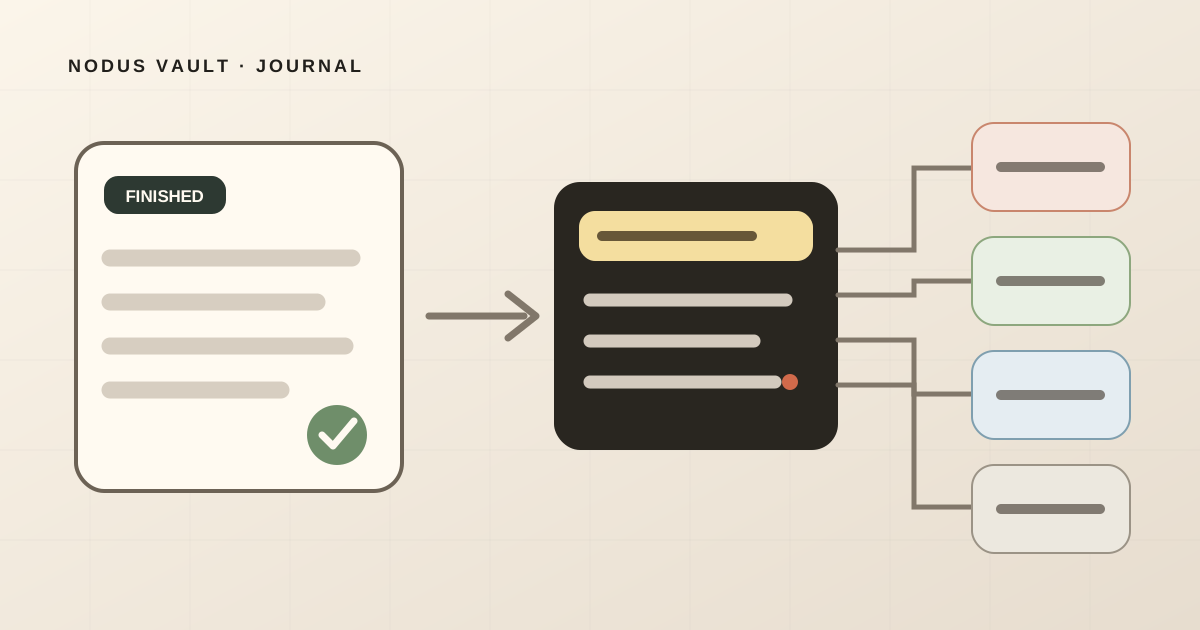
Use a 90-second after-reading pass to keep the useful idea, route the article, and create a clue you can search later.
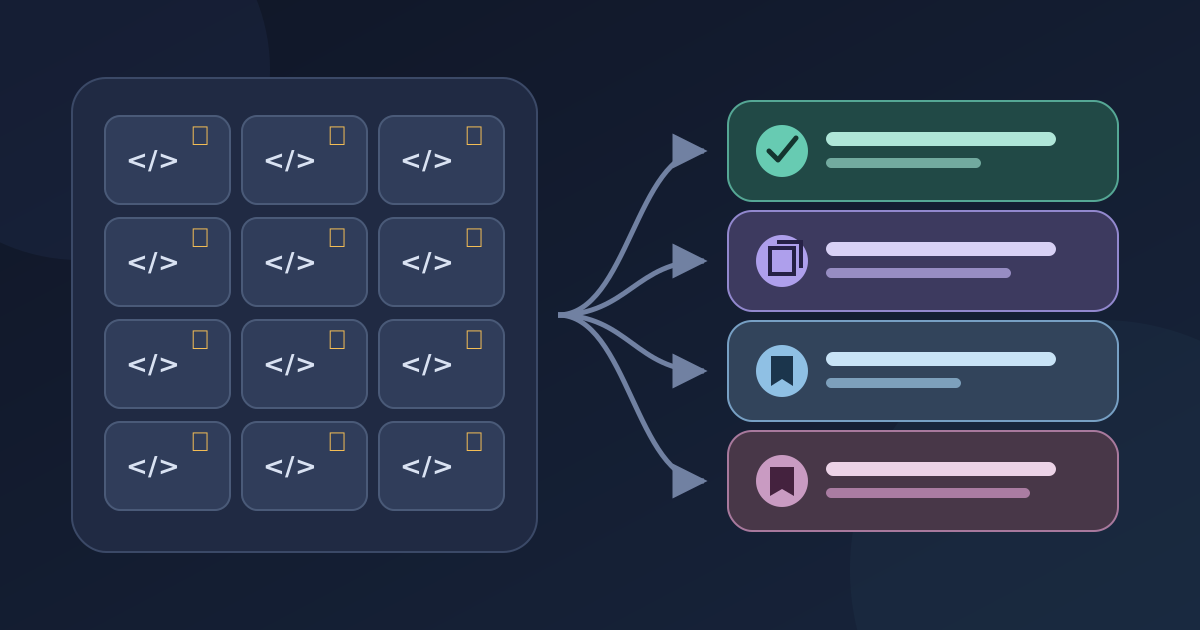
Use GitHub Stars for capture, Lists for active work, and contextual notes for repositories you need to find again—without rebuilding your whole backlog.
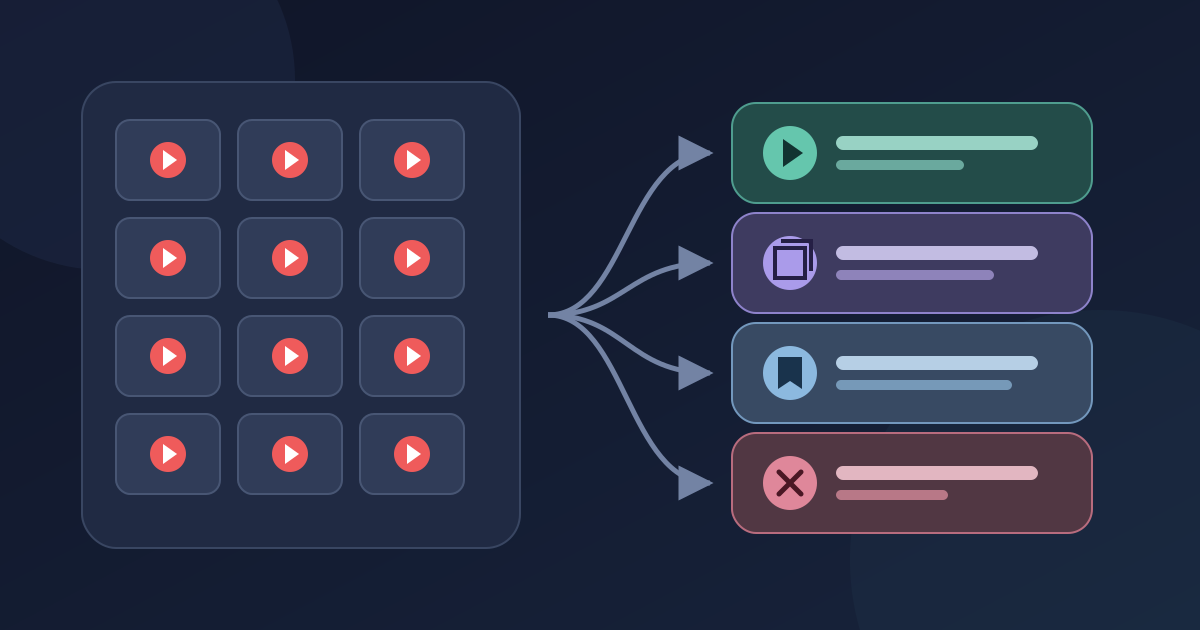
Turn an overloaded YouTube Watch Later playlist into a small active queue. Keep courses and references, remove stale saves, and avoid risky bulk-delete scripts.
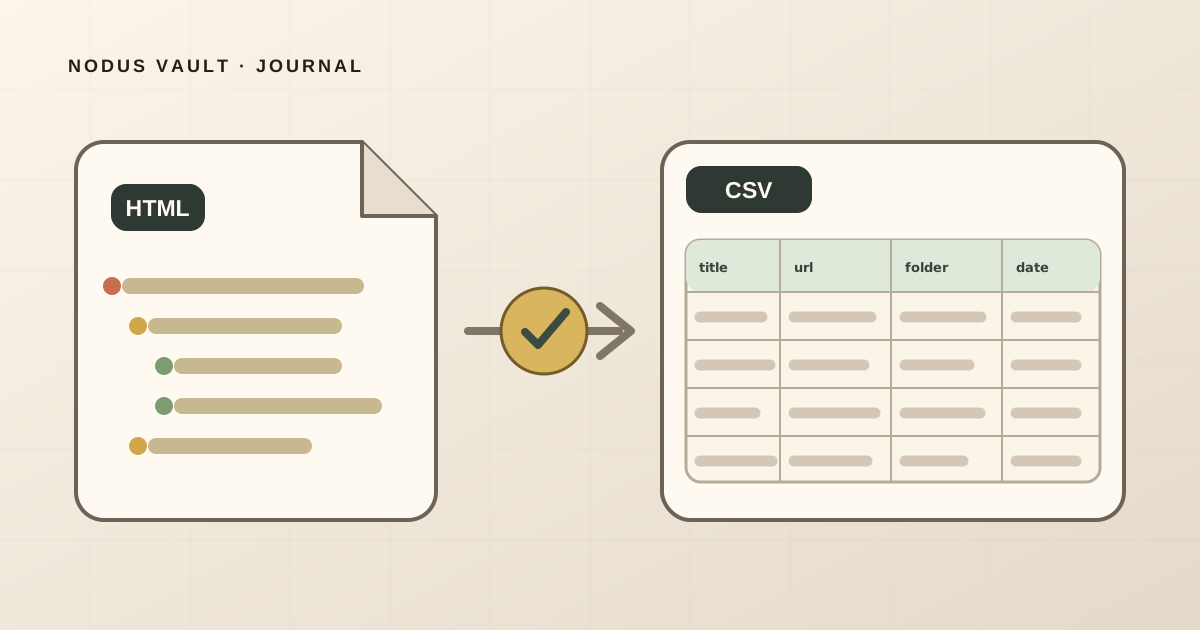
Export Chrome bookmarks as HTML, convert them locally to CSV, and verify titles, URLs, folders, and dates in Excel or Google Sheets.
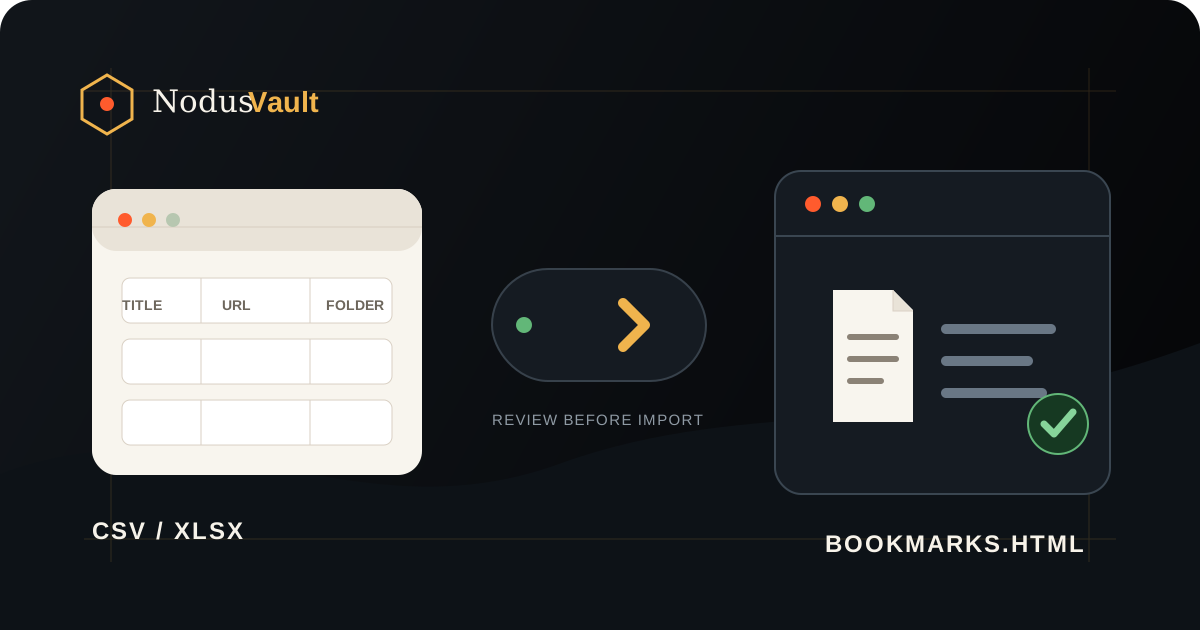
Turn a spreadsheet or URL list into bookmark HTML, review folders, duplicates, and invalid rows, then import it into Chrome without an extension.
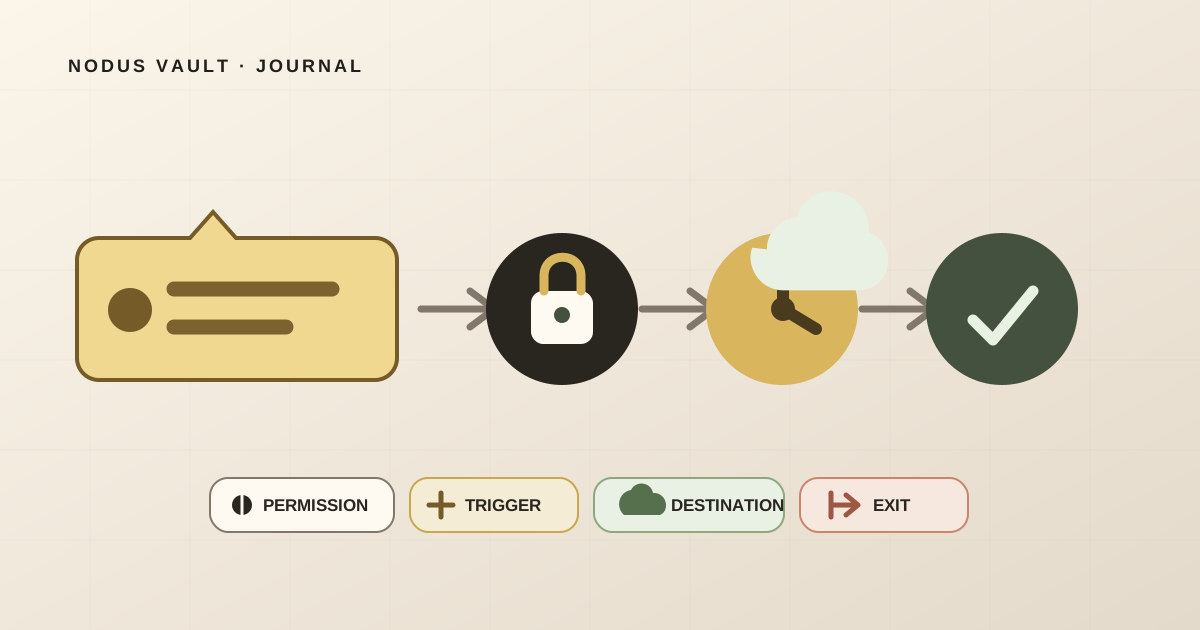
Audit a bookmark extension by following its permissions, access trigger, data destination, retention, export, and deletion—not its store rating alone.
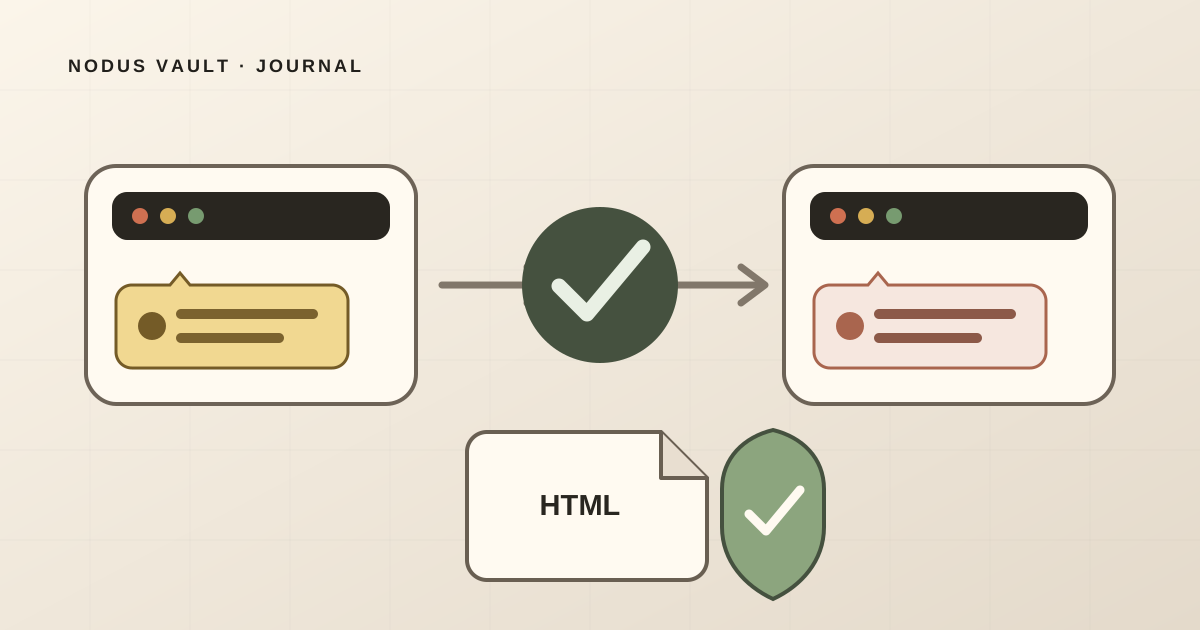
Stop recurring Chrome bookmark duplicates, back up the originals, remove exact copies safely, and verify a clean HTML file before changing sync.
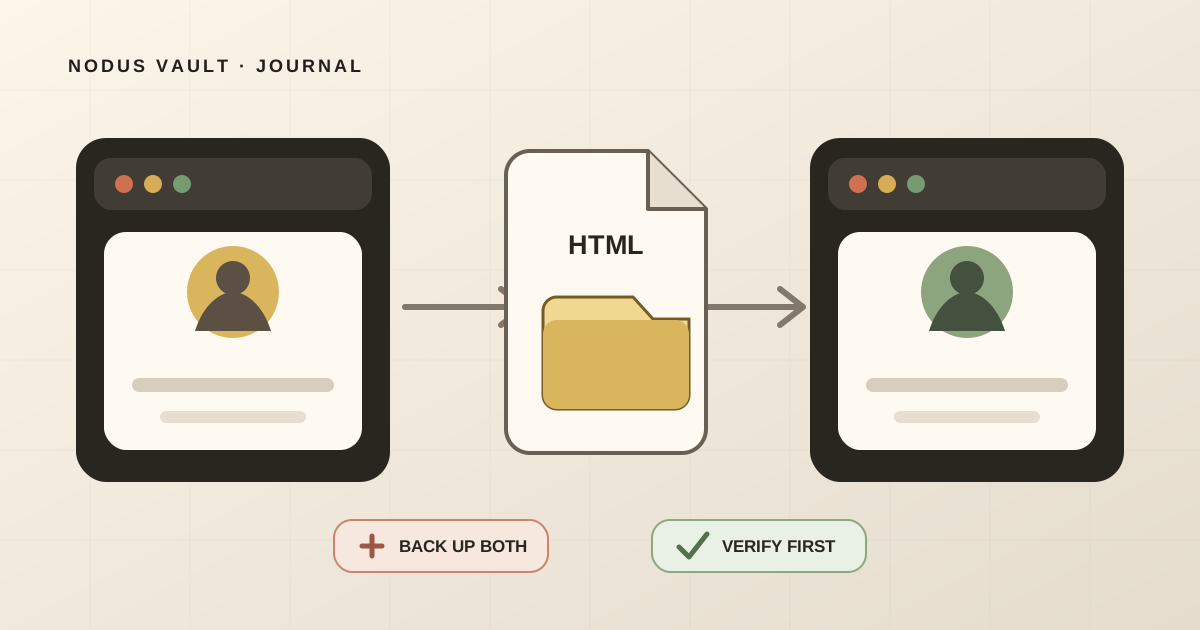
Move Chrome bookmarks between profiles with an HTML export, protect both libraries, and verify folders and duplicates before deleting the old profile.
A practical method for keeping a web highlight connected to its source, surrounding passage, purpose, and next use—even when the page changes.
Choose between a bookmark, web clip, screenshot, PDF, and web archive by deciding what must survive when the original page changes.
Choose a bookmark manager by testing capture, retrieval, resurfacing, and export with your own links—not by comparing feature lists.
Save every tab in Chrome, Edge, Firefox, or Brave, verify the folder, and turn the rescue into a small review queue instead of permanent bookmark clutter.
Build one reliable way back to links saved in browsers, social apps, video queues, chats, and notes—without migrating everything at once.
Back up and verify a large bookmark library before cleaning it. Use a reversible workflow that avoids mass deletion and unnecessary reorganization.
Choose folders, tags, or search by the job each bookmark must do. See a reproducible 24-link exercise and a lighter hybrid system.
A practical workflow for capturing research links, preserving context, and turning saved sources into references you can find and use.
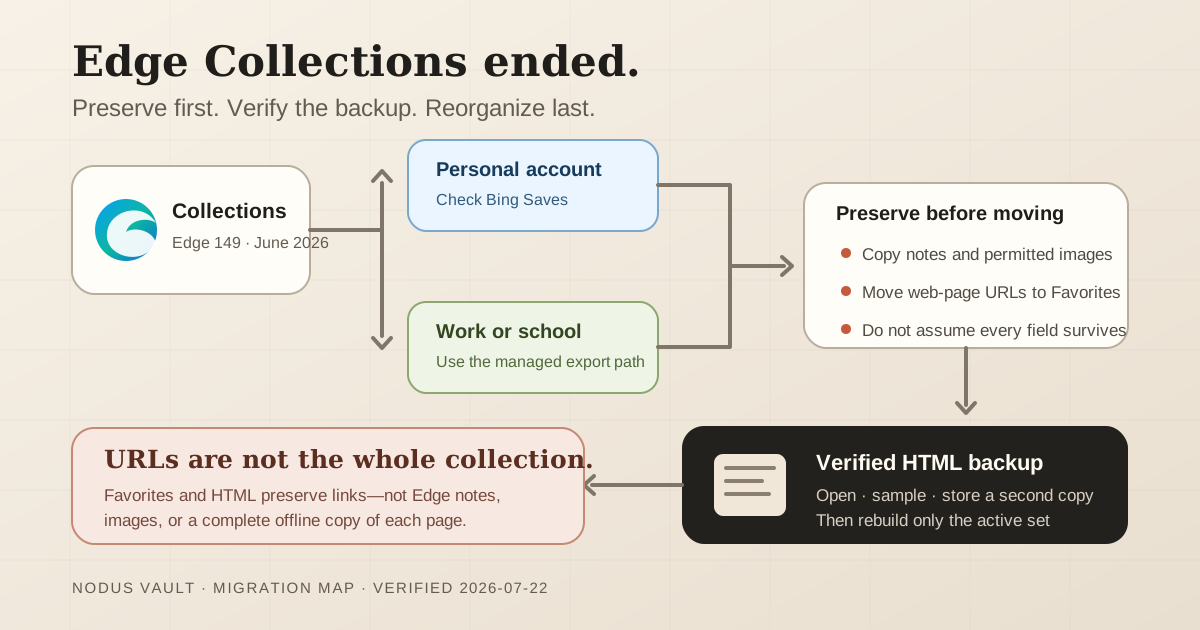
A migration guide based on Microsoft's current documentation, with checks for preserving Edge Collections links, notes, and images.
Turn an overloaded read-later list into a finite queue by deciding what to read, keep as a reference, archive, or delete.
Use a practical decision tree to choose whether a saved link belongs in bookmarks, a reading list, an archive, or nowhere at all.
A practical recovery method for finding a saved article or page from a partial memory, even when its title and exact words are gone.